
SMART ID TRACKING · OFFICIAL ROUTE · INDEPENDENT GUIDE
Smart ID Tracking and Collection 2026: Official Next-Step Guide
Your Smart ID tracking and collection process continues inside the official Department of Home Affairs systems, not on a public status form. This guide shows you where the My Home Affairs Online portal keeps your application status, what the barcoded confirmation letter is for, and how to follow the collection instruction the Department gives you. It never asks for your ID number, reference number or OTP.
Reviewed by the Home Affairs Guide editorial team · Independent guide, not the official DHA site.
VISUAL WALKTHROUGH
Tracking lives in your official account, not on a public form
Your Smart ID status is private service information. The current My Home Affairs Online FAQ points to the “My Applications” page in the top-right area of the portal homepage as the place to track an application. Keep that action inside your own official account, this guide has no access to private applications.
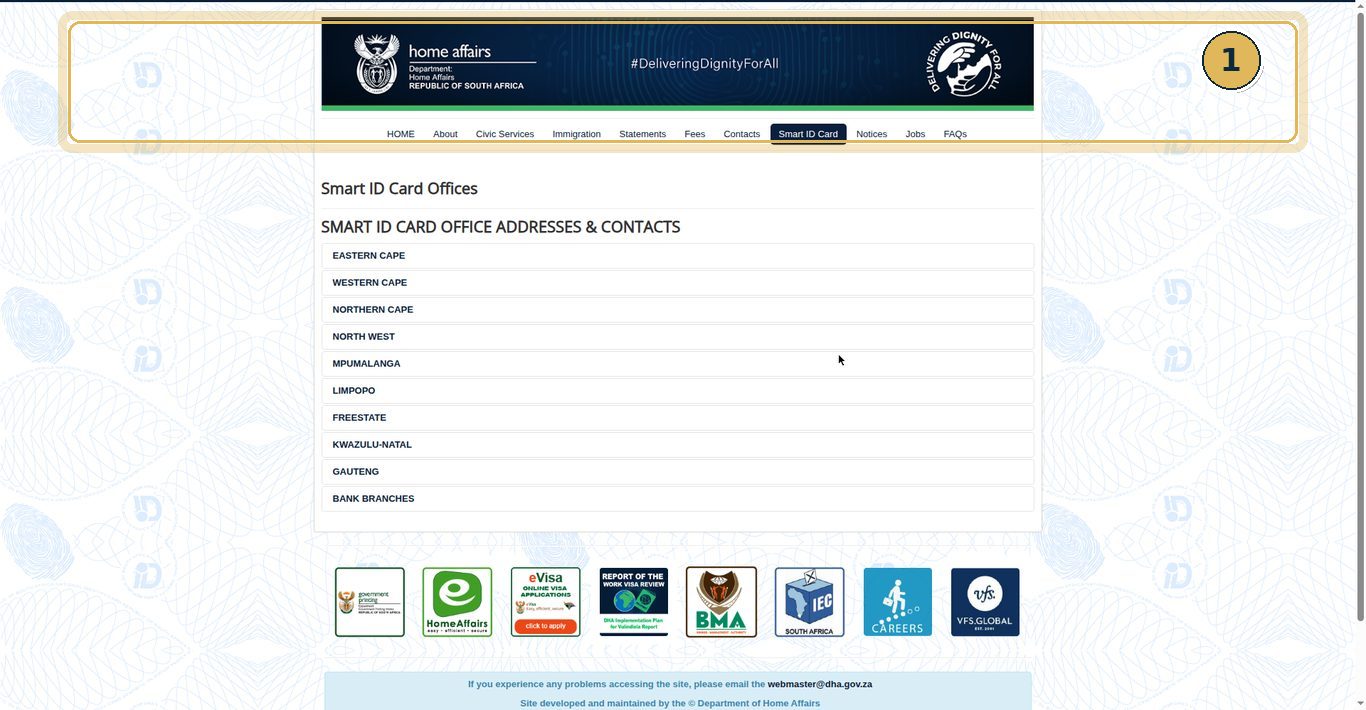
Where to look: the GOLD ring in the screenshot above marks the “My Applications” area of the official portal. That is the only legitimate place your status information appears. Read the status wording exactly as the Department writes it, do not reinterpret it through a third-party summary.
VISUAL WALKTHROUGH
Keep the confirmation letter for collection day
The DHA how-to guide describes downloading a barcoded confirmation letter and taking it to the branch or bank office, together with an ID book if available. This letter is your proof of application, keep it somewhere safe long before collection is announced.
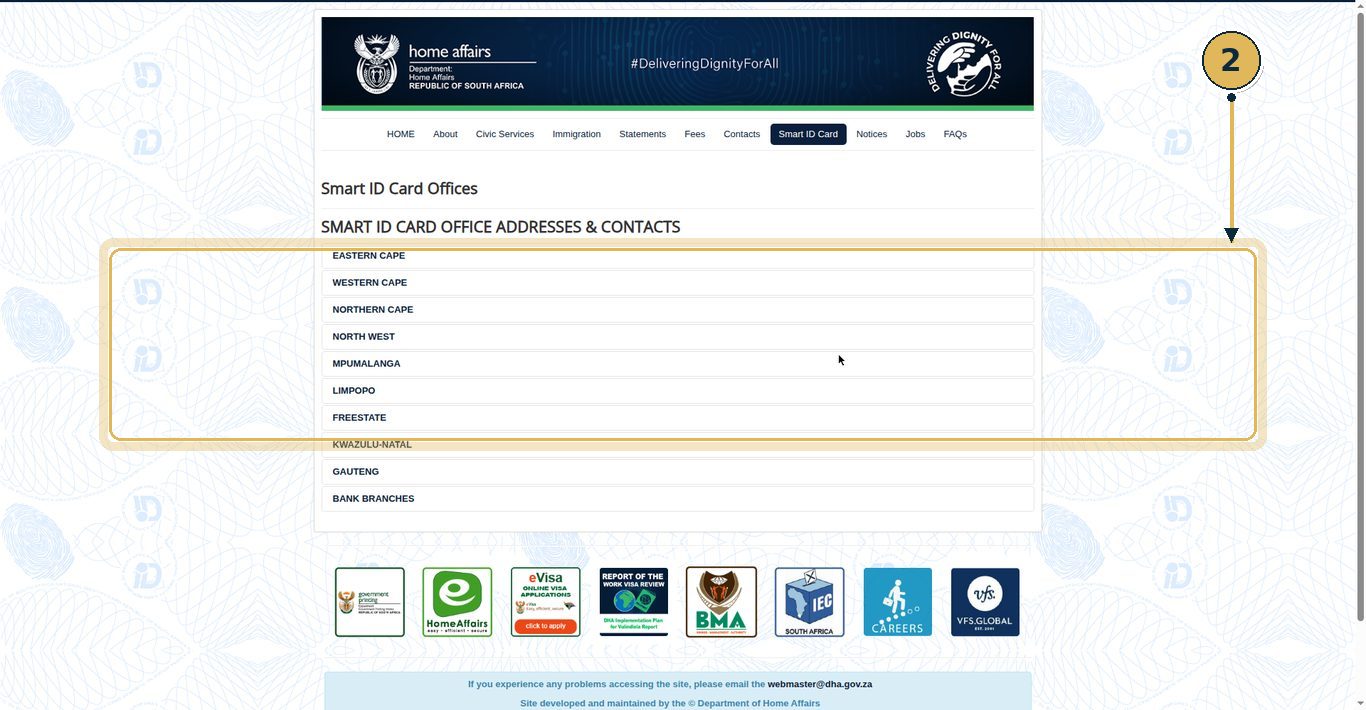
What to keep: the GOLD ring above marks where the official how-to guide explains the barcoded confirmation letter. Download or print it while your application is in progress, you will need it, with your ID book if available, when you collect.
VISUAL WALKTHROUGH
Follow the collection instruction exactly
Progress and collection are related, but they are not the same instruction. Do not turn a general processing estimate into a guaranteed date. The branch, bank or official wording you receive is the instruction, read it word for word and act on it.
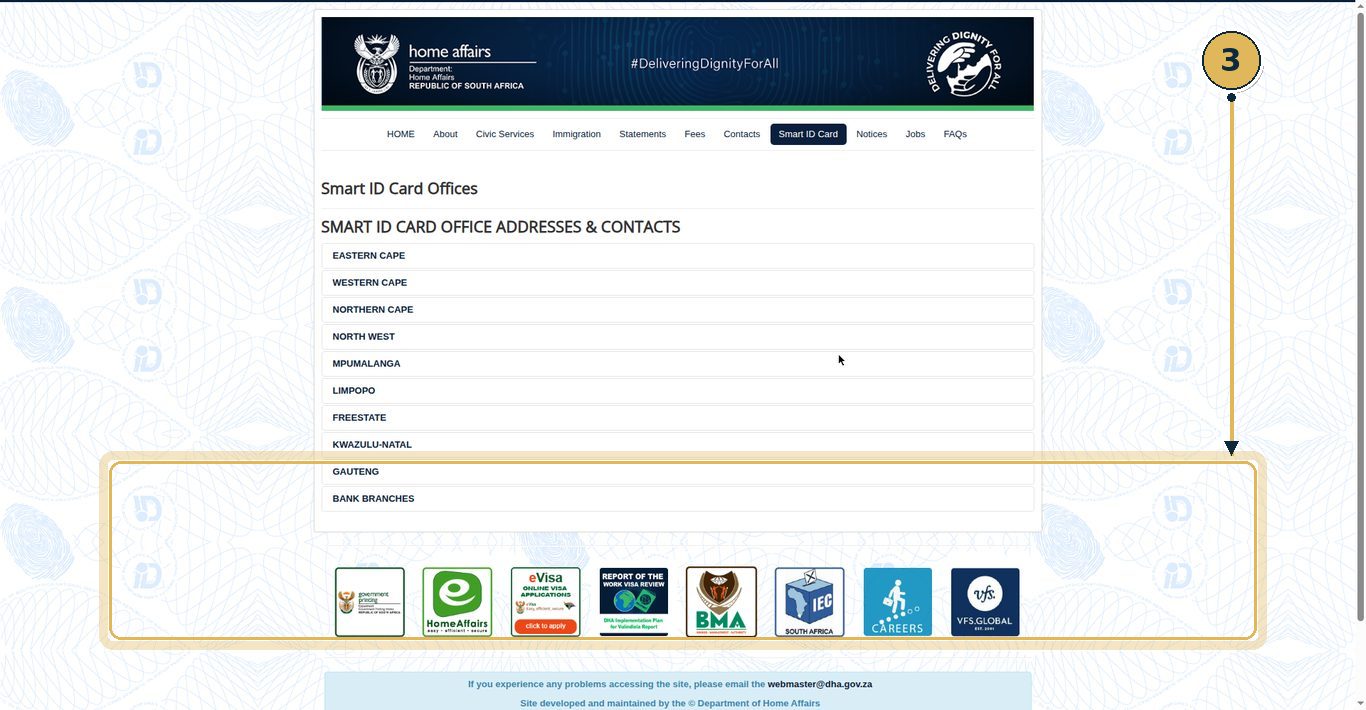
How to act: the GOLD ring above marks the collection wording. Go only to the office the instruction names, bring exactly the documents it names, and at the time it names. Anything else, a promised date from a third party, a guessed branch, is not an instruction.
CRITICAL, READ BEFORE YOU “CHECK”
A public “status check” is not a real status check
The Department’s own status page states that online Status Verification has been suspended until further notice, it is not an active public lookup. Any site still offering to “check your status” with your ID number is either outdated or a scam.
Warning: never follow an unverified SMS link to “check” your status, and never share an OTP with anyone. Enter logins, ID details and references only on the official Department service. Report fraud via official DHA channels.
OFFICIAL ROUTE VS LOOKALIKES
Smart ID tracking: official facts vs unofficial shortcuts
This table separates what the Department actually provides from what copycat sites claim. If a row below sounds too easy, it is not the official route.
| Tracking question | Official route | Unofficial shortcut (avoid) |
|---|---|---|
| Where your status lives | The “My Applications” area inside your own official portal account. | A public webpage that anyone can open without logging in. |
| What you enter | Your own login on the official Department service. | Your ID number or reference on a stranger’s form. |
| Collection proof | The barcoded confirmation letter described in the official how-to guide. | A “guaranteed collection date” promised by a third party. |
| Status Verification page | Suspended until further notice, per the Department’s own notice. | Treated as an active public lookup with an ID field. |
| Cost of checking | Free on the official service, checking your own status costs nothing. | A “status check fee” paid to an agent or website. |
| If the status is unclear | The Department’s own help route, with your reference ready. | An “agent” who offers to escalate for payment. |
Sources: My Home Affairs Online FAQ · DHA status notice · DHA how-to guide, re-check before acting, as service messages can change.
AVOID THESE PITFALLS
4 common tracking mistakes to avoid
These are the errors that put applicants’ personal details at risk. Each one is easy to avoid once you know about it.
Typing your ID number into a “status checker”
Your ID number belongs on the official Department service only. Never enter it, or a reference, password or OTP, into an independent website.
Trusting a promised collection date
Third parties cannot see your application and cannot promise a date. Follow only the collection instruction the Department gives you.
Using the suspended status page as a live lookup
The Department’s Status Verification is suspended until further notice. Treat any site copying that page as outdated or fake.
Losing your confirmation letter
The barcoded confirmation letter is your proof of application. Download or print it early and keep it with your ID book.
AFTER YOU CHECK
What happens after you check your status
A status message tells you what to do next, it does not change anything by itself. Here is how to act on it.
Read the wording exactly
Use the Department’s own words to decide what happens next. Do not reinterpret the message through a third-party summary or guess a date from it.
Prepare your confirmation
Have your barcoded confirmation letter ready, plus the ID book if available, so you can collect as soon as the instruction allows it.
Go only where instructed
Attend only the branch or bank office the official instruction names. If there is no update after eight weeks, use the official DHA help route with your reference. For how long a Smart ID usually takes, and what counts as a delay rather than normal waiting, see how long a Smart ID takes.
COMMON READER QUESTIONS
Smart ID tracking and collection, quick answers
Where do I track my Smart ID application?
Use the “My Applications” page in the top-right area of the My Home Affairs Online portal homepage, inside your own logged-in account. The portal’s official FAQ names that page as the tracking area, see the official portal FAQ ↗.
Can I check my status on this website?
No. This guide has no access to private applications, accounts, ID numbers or references. Your status lives inside the official Department systems only.
Is the DHA Status Verification page working?
No. The Department’s own status notice states that online Status Verification has been suspended until further notice. Do not treat it, or any site copying it, as an active public lookup.
What is the barcoded confirmation letter?
The DHA how-to guide describes downloading a barcoded confirmation letter and taking it to the branch or bank office, together with an ID book if available. It is your proof of application for collection day, keep it safe.
When will my Smart ID be ready for collection?
No independent guide can promise a collection date. Read the status and collection wording in your official account exactly as written, and follow the instruction the Department gives you, do not trust a third-party “guaranteed” date.
What if there is no update after eight weeks?
Use the official DHA help route with your reference ready. Do not submit your ID details to any independent website, and never pay anyone who offers to “escalate” your application.
What should I take with me when collecting?
Take exactly what the official collection instruction names. As a rule, that means the barcoded confirmation letter and an ID book if available, per the official how-to guide, plus anything else the Department’s wording asks for.
Do I pay anything to check my status?
No. Checking your own status on the official service is free. Anyone asking for a “status check fee” is running a scam, report it through official DHA channels.
BEFORE YOU START
Who This Tracking Guide Is For
This guide is for anyone who has already applied for a Smart ID and is now waiting, whether you applied at a Home Affairs branch, a partner bank branch, or started online. It explains the official tracking boundary: what the Department shows you, and what no independent site can show you.
You applied at a Home Affairs branch
Your application record sits with the Department. Track it through the “My Applications” area of your portal account, and keep the confirmation letter for collection.
You applied at a partner bank branch
The same official boundary applies. Your status still lives in the Department’s systems, a bank branch cannot give you a tracking lookup outside the official route.
You are waiting on a re-issue or replacement
Replacements follow the same status boundary. Read the Smart ID replacement guide for the re-issue route, then track it here the same way.
TRACKING AND COLLECTION EXPLAINED
How to check your Smart ID status in South Africa
Log in to the official My Home Affairs Online portal and open the “My Applications” page in the top-right area of the homepage. That page is where the Department places the status information available to your application. There is no public form, no SMS code and no independent lookup that can show you more, anyone claiming otherwise is not using the official route. This guide covers Smart ID status only; if you are checking a passport instead, see the passport status guide.
Smart ID collection: what to take with you
Collect only when and where the official instruction tells you to. Take the barcoded confirmation letter described in the DHA how-to guide, plus an ID book if available, and anything else the Department’s wording names. If your situation changes, a lost letter, a missed window, return to your official account or use the Department’s help route rather than asking a third party.
USE THE CURRENT OFFICIAL ROUTE
Check only through the official Department systems
Your status and collection instruction live inside the official portal, nowhere else. Use the screenshots above to recognise the correct route, keep your confirmation letter safe, and never hand your ID details or money to anyone outside the Department’s own service.
Related guides: apply for smart id card · smart id renewal · home affairs contact number
INDEPENDENT GUIDE DISCLOSURE
This is an independent guide and is not affiliated with the Department of Home Affairs. Tracking and collection details are compiled from the official My Home Affairs Online portal, the Department’s status notice and the official DHA how-to guide, all verified on 16 October 2026. Service messages can change, so always re-check the official sources before acting. For the official position, always use myhomeaffairsonline.dha.gov.za or dha.gov.za. © 2026 Home Affairs Guide South Africa.