Editorial note: This guide is written by the editorial team of Home Affairs Guide South Africa. This site is an independent guide. It is not the Department of Home Affairs. For the latest position, check dha.gov.za or ask at a Home Affairs office.
A flight booking form asks for it. A visa form asks for it. A hotel abroad asks for it. And many readers stare at the form, unsure which number it wants, or where to find it. This guide explains the south african passport number in plain terms: what it is, where it sits in the booklet, how it differs from your ID number, and what to do when you cannot find it.
The short answer
Your south african passport number is printed on the data page of your passport booklet, next to your photo. It is different from your 13-digit ID number, and it changes with every new passport, because each booklet has its own number. You need it for flight bookings, visa applications, and forms abroad. Never share it publicly.
What a passport number is
A passport number is the unique code of one booklet. It identifies that booklet, not you for life. It has nine characters in total: one letter followed by eight digits. Every passport issued gets its own number. No two booklets share one.
The number stays the same for the whole life of that booklet. It does not change because you marry, move house, or change your surname. It changes only when a new booklet is issued: on expiry, on loss, on theft, or on damage. At that point, the old booklet is cancelled and a new number is issued with the new booklet. You cannot ask for a new number on its own, and you cannot keep the old number on a new booklet.
That last point causes the most confusion. People speak of “renewing” a passport and expect the number to carry over. In South Africa, passports are not renewed. A new application means a new booklet, and a new booklet means a new number. If you linked the old number to a frequent flyer account, a booking site, or a visa application, you must update those records with the new number. A booking made with the old number will not match the new booklet at check-in.
Where to find your passport number
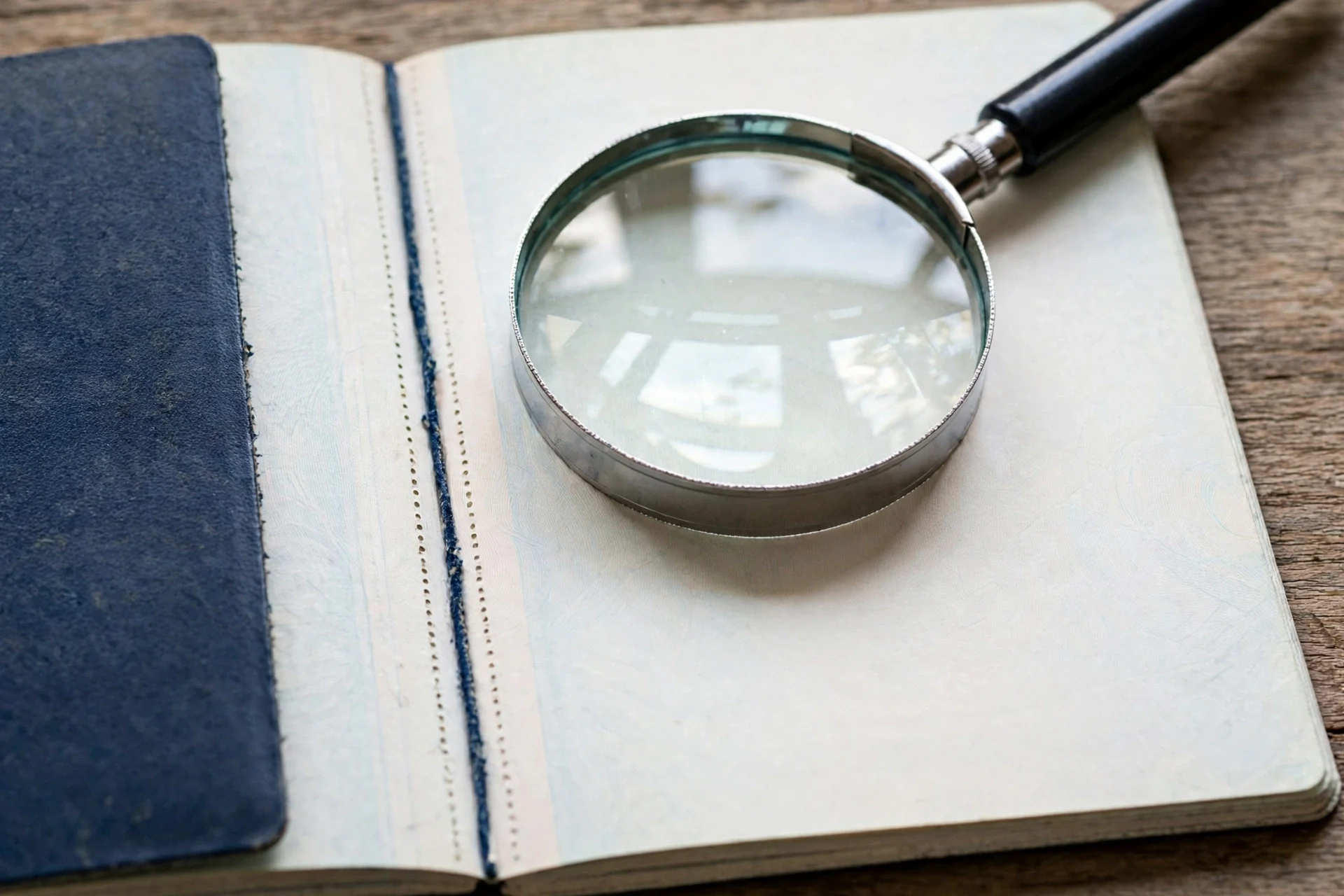
Open the booklet to the page with your photo and personal details. That page is the data page, also called the bio-data page or the identity information page. In a South African passport, it is printed on the inside of the back cover. The page shows your photo, your surname and given names, your nationality, your date of birth, your sex, your place of birth, the date of issue, the issuing authority, and the date of expiry. The passport number is printed on that same page, labelled as the passport number.
Two mix-ups happen on this page. First, some readers look for the number on the front cover. It is not there. The cover shows the country name and the coat of arms, not your number. Open the booklet and use the photo page.
Second, South African passports do not carry a separate book number. Some foreign visa forms ask for a “book number” as well as a passport number. A South African booklet has no such second number. Do not invent one, and do not copy another number from the page into that field. Ask the embassy or the airline what they want in that field for a South African passport, because the answer differs by form.
The number also sits in the machine-readable zone at the bottom of the data page, the two lines of letters, digits, and chevrons that scanners read. You do not need to read that zone yourself. Use the printed number at the top of the page, and copy it digit by digit. One wrong character can fail a booking or a visa form, so check each character against the booklet before you submit.
Passport number vs ID number
The passport number and the ID number are different numbers, for different jobs, and forms ask for them separately. Mixing them up is the most common error on this topic.
Your ID number has 13 digits. Home Affairs assigns it for life, under the Identification Act, 1997. It encodes your date of birth and other personal details, and it stays the same from your first ID to your last. It appears on your ID card or green ID book, and it also appears on your passport data page, under the heading “Personal No.” or “Identity Number.”
Your passport number has nine characters, one letter followed by eight digits. It belongs to one booklet only. It does not encode your birth date, and it is not linked to your ID number. When a form asks for your identity document number, use the 13-digit one, not the passport number. When a form asks for your passport number, or travel document number, use the nine-character code from the data page.
A simple test: count the characters. Thirteen digits means you are looking at the ID number. Nine characters, starting with a letter, means you are looking at the passport number. If a form accepts only nine characters, it wants the passport number. If it wants thirteen digits, it wants the ID number.
You need a 13-digit ID number before you can apply for a passport at all. Applicants without one must first register their birth and apply for an ID. That is why the two numbers travel together in the system, even though they are not the same number.
When you need your passport number
You need the number whenever a booking or a form must match the booklet you will travel on. The common cases are:
- Flight bookings. Airlines match the name and passport number on the booking to the booklet at check-in. A booking made with an old number, after a new booklet is issued, will not match.
- Visa applications. Embassies link the visa to the passport number. A visa issued against one number does not automatically move to a new booklet.
- Hotel check-ins and car hire abroad, where the desk copies the number from the booklet.
- Bank, embassy, and government forms abroad that ask for passport details as proof of identity.
- Frequent flyer and travel accounts, which store the number for faster bookings. Update these when a new booklet arrives.
If a valid visa sits in your old booklet, carry both booklets when you travel, and ask the embassy or airline what they need. Do not assume the visa moves on its own to the new number. Tell them the old number and the new number, and take both booklets to the appointment or the airport.
Children have their own numbers too. Every child passport has its own nine-character number, just like an adult passport. A child’s number changes with each new child booklet, and then changes again when the child turns 16 and moves to an adult passport.
If you hold another country’s passport as well, note that the numbers differ. Each country’s booklet has its own number. South African citizens aged 18 or older must enter and leave South Africa on a valid South African passport, so use the South African number for South African entry and exit, and the other number where that country asks for it.
What to do if you cannot find it
Start with the places a copy may already sit. Check old flight bookings, visa applications, and visa copies. Check photocopies or scans of the data page that you may have kept for safekeeping. Check frequent flyer accounts and booking sites, which often store the number. Check with a travel agent who booked for you, or with an employer who holds a copy for work travel. One of these usually has it.
There is no public online page where you can look up your own passport number. If you lost the booklet and have no copy anywhere, do not trust a page that promises to find it for you from your name alone. Such pages are not Home Affairs, and they cannot reach the register. They may take your personal details for fraud.
If the booklet is lost or stolen, report it to Home Affairs at once, and apply for a new passport. Use the south african passport application guide on this site for the application steps. You can still apply for a new passport even if you do not know the old number. The new booklet will carry a new number, and the old number will no longer be valid for travel. If you are abroad, use a South African embassy, mission, or consulate instead, and ask the mission what it needs from you.
If the booklet is safe at home and you only need the number for a form, do not guess it. Open the booklet and copy it digit by digit from the data page. A guessed number will fail the booking or the visa, and fixing it later takes longer than opening the booklet now.
Keep your passport number safe
A passport number is sensitive personal data. Treat it like your ID number: share it only where it is needed, through official channels.
- Never post a photo of your data page on social media. The photo shows the number, your full name, your date of birth, and your ID number in one image.
- Share the number only with airlines, embassies, banks, and hotels that need it for a booking or a form. Use their official sites and offices, not links from unsolicited messages.
- Do not send the number to a page that offers to check, verify, or retrieve it for you. Home Affairs does not run such a page, and a page that asks for the number without a booking or an application behind it has no need for it.
- Keep a photocopy or a scan of the data page in a safe place at home, separate from the booklet. If the booklet is lost, that copy is the fastest way to prove the old number and the old details.
- When a new booklet arrives, update every account that stored the old number: frequent flyer accounts, booking sites, and any visa record that must match the new booklet. Then store the old booklet safely, or destroy it as the office advises, so two booklets are not mixed up later.
Frequently asked questions
Where is my passport number?
On the data page of the booklet, the page with your photo and personal details, printed on the inside of the back cover. It is labelled as the passport number. It is not on the front cover.
What does a passport number look like?
Nine characters in total: one letter followed by eight digits. It is different from your 13-digit ID number, which also appears on the data page under a separate heading.
Is my passport number the same as my ID number?
No. The ID number has 13 digits and stays the same for life. The passport number has nine characters and belongs to one booklet only. For south african passport number forms, use the nine-character code, not the ID number.
Does my passport number change when I get a new passport?
Yes. Every new booklet carries a new number. The old booklet is cancelled, and the old number stops being valid for travel. Update frequent flyer accounts, booking sites, and visa records with the new number.
Can I find my passport number online?
No. There is no public online page for looking up your own passport number. Check old bookings, visa copies, scans of the data page, and accounts that stored the number. If the booklet is lost and no copy exists, report it and apply for a new passport.
What if my passport is lost and I do not know the number?
Report the loss to Home Affairs at once, and apply for a new passport. You can still apply without the old number. The new booklet will carry a new number.
Do South African passports have a book number?
No. A South African booklet has no separate book number. Some foreign forms ask for one. Do not invent a number for that field. Ask the embassy or airline what they want for a South African passport.
Does my child’s passport have its own number?
Yes. Every child passport has its own nine-character number, which changes with each new booklet, just like an adult passport.
Can I change my passport number without a new passport?
No. The number changes only when a new booklet is issued, on expiry, loss, theft, or damage. You cannot ask for a new number on its own.
Where can I find more help on this site?
See the south african passport application guide for the application steps, and the Home Affairs contact and locations guide for offices. Passport types are covered in their own guide, and the steps are not repeated here.
Disclosure: This site is an independent guide. It is not the Department of Home Affairs, and it does not act for the department. This guide gives general information only. It is not legal advice. For a decision about your case, ask a Home Affairs office or a qualified adviser. Check dha.gov.za for the latest position.
Last verified against official sources: 30 October 2026.